Remote control using URScript Control API
This example shows how to control a robot using the URScript Control API. More information about the URScript Control API can be found in the URScript manual.
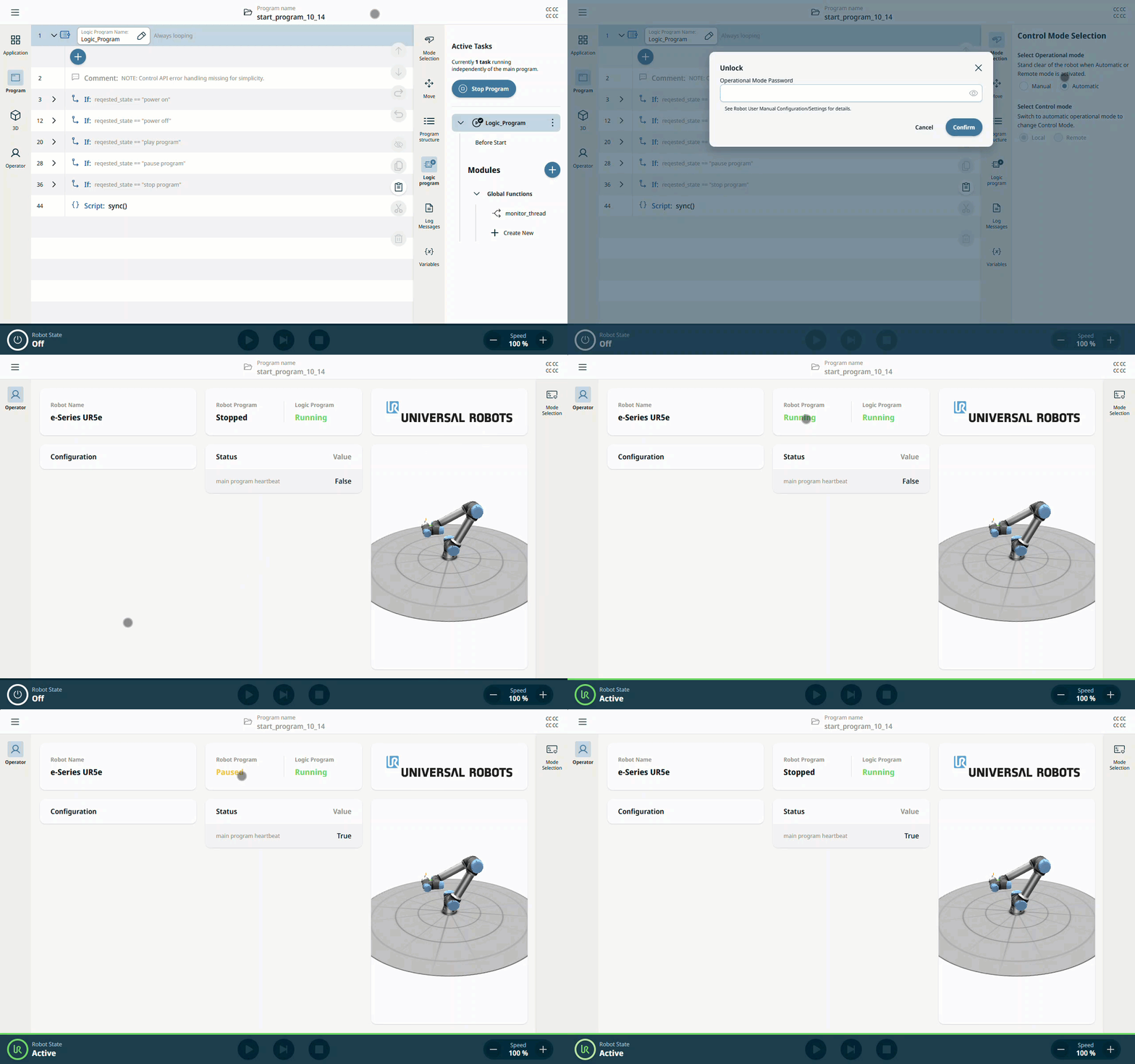
Logic program running in the background controls robot arm power and main program state.
NOTE: Robot has to be in Remote Control mode to use the URScript Control API.
Program was tested in Polyscope X 10.14.0.
Download start_program_10_14.urpx and import to the robot.
Open program in simulator or on the real robot.
Logic program will start automatically in the background.
Switch to Remote Control mode.
Program will cycle through the following states: Powered off -> Power arm on -> Run main program -> Pause main program -> Stop main program -> Power arm off